How to send any link from your phone to your TV, with no app and no login
Researched, not hands-on tested
Key takeaways
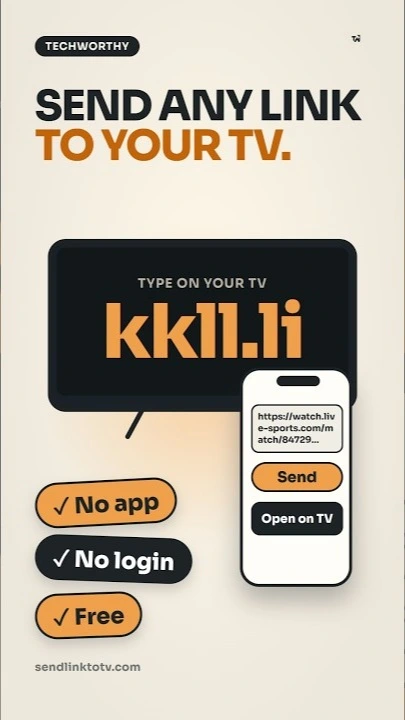
- Open kkll.li in your TV’s browser
- Scan the QR code with your phone camera
- Paste a link, tap Send, then choose Open on TV
Typing long URLs with a TV remote is painful. Here is a free way to send any link from your phone to your TV’s browser, with no app and no login.
How to send a link to your TV
- Open kkll.li in your TV’s browser. It redirects to sendlinktotv.com/tv.
- Scan the QR code on the TV with your phone camera.
- Paste a link, tap Send, then choose Open on TV.
What you need
| Item | Needed? |
|---|---|
| An app on the phone | No |
| An account or login | No |
| Same Wi-Fi for phone and TV | No, per the site |
| A browser on the TV | Yes |
When it helps
- Your TV has no microphone, so voice search is not an option.
- The address is long, such as a streaming page or a live-sports link.
- You want to open a web page on the TV without typing it with the remote.
Good to know
This is a third-party service run by sendlinktotv.com, and we are not affiliated with it. As with any link relay, avoid sending links that contain private tokens or personal information.
Where to find it
Try it at kkll.li. The service is run by sendlinktotv.com.
Graphics and illustrations: Techworthy. Techworthy is not affiliated with the services or projects mentioned.
Did this answer your question?
Up next: Amazon Echo TimeMore gadgets like this
Other gadgets we have explained, picked by maker and topic.
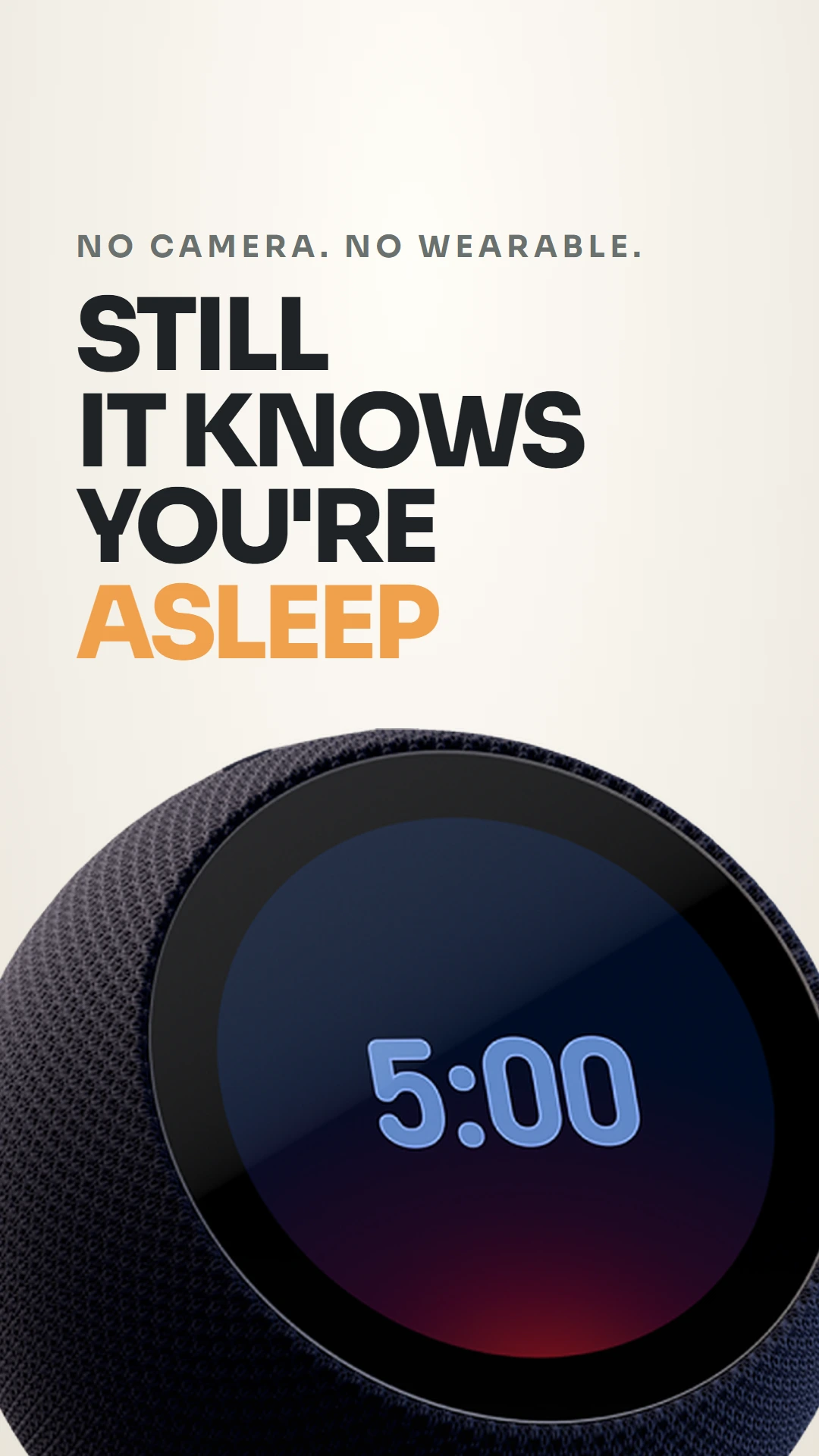 Smart HomeAmazon Echo TimeA $199.99 bedside alarm clock that tracks your sleep with no camera.$199.99More in Smart Home
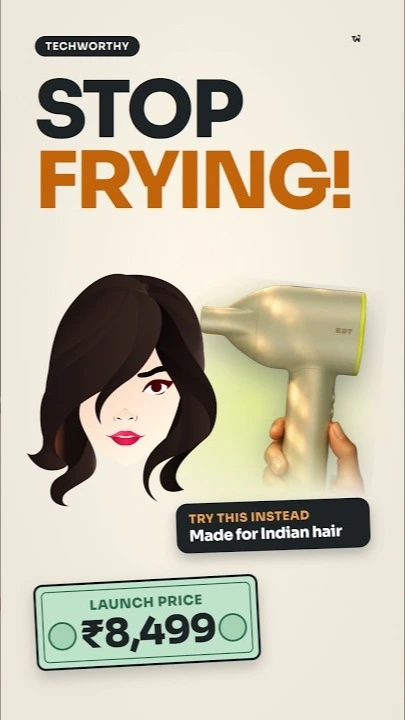 Smart HomeSUKI Hair Dryer by EDTA hair dryer that says it checks air temperature 100 times a second.₹8,499More in Smart Home
Keep reading
Questions people ask
Do I need an app or an account to send a link to my TV?
No. This method needs no app and no login.
Do my phone and TV need to be on the same Wi-Fi to send a link?
The site says your phone and TV do not need to share Wi-Fi.
When is sending a link from your phone to your TV useful?
Typing long URLs with a TV remote is painful. It helps if your TV has no mic, or for long streaming and live-sports page addresses.
How do I open kkll.li on my TV?
Open the TV's web browser and type kkll.li. It redirects to sendlinktotv.com/tv and shows a QR code to scan with your phone.
Is the send-a-link-to-TV service free?
The method is described as free, with no app and no login. It is run by sendlinktotv.com, which we are not affiliated with.
Sources
- Send Link to TV (sendlinktotv.com, Other)
- kkll.li (sendlinktotv.com, Other)